Tell us
Share the problem, goal, photo, sketch, measurements, or inspiration.
You do not need a finished CAD file to start. Bring a rough sketch, a broken part, a photo, a measurement, or simply “I wish this existed.” OliPoly helps turn the problem into a practical, finished product.
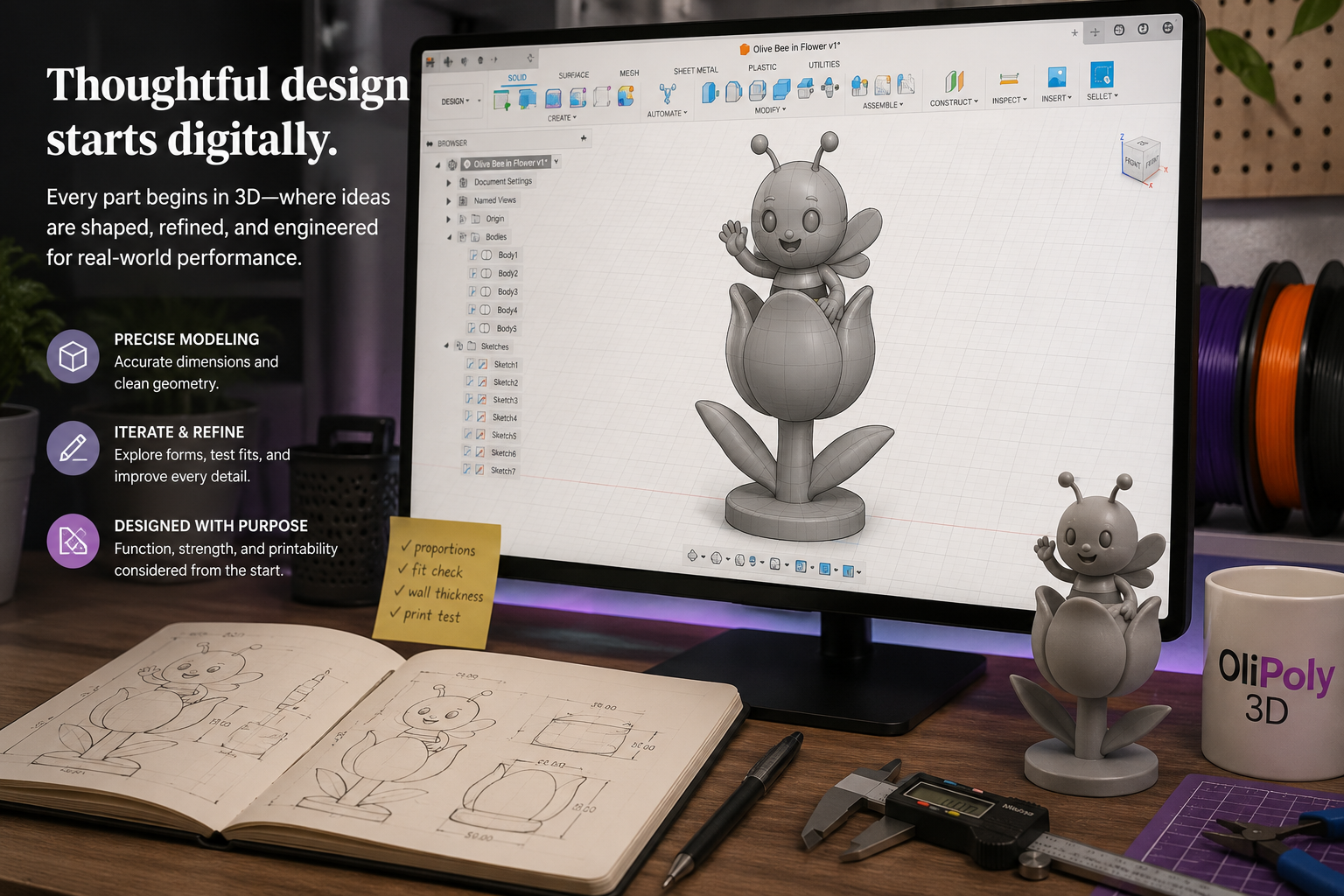
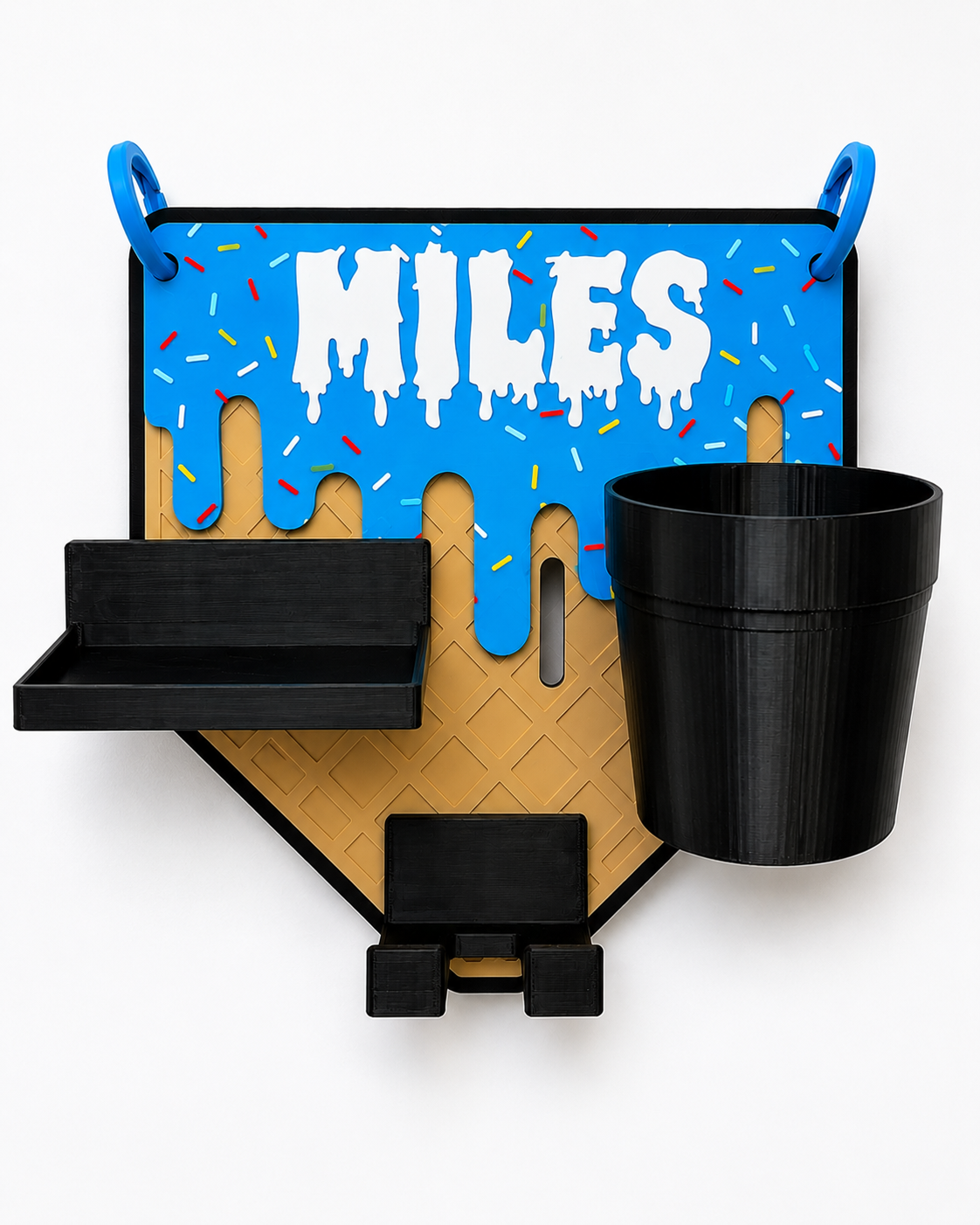
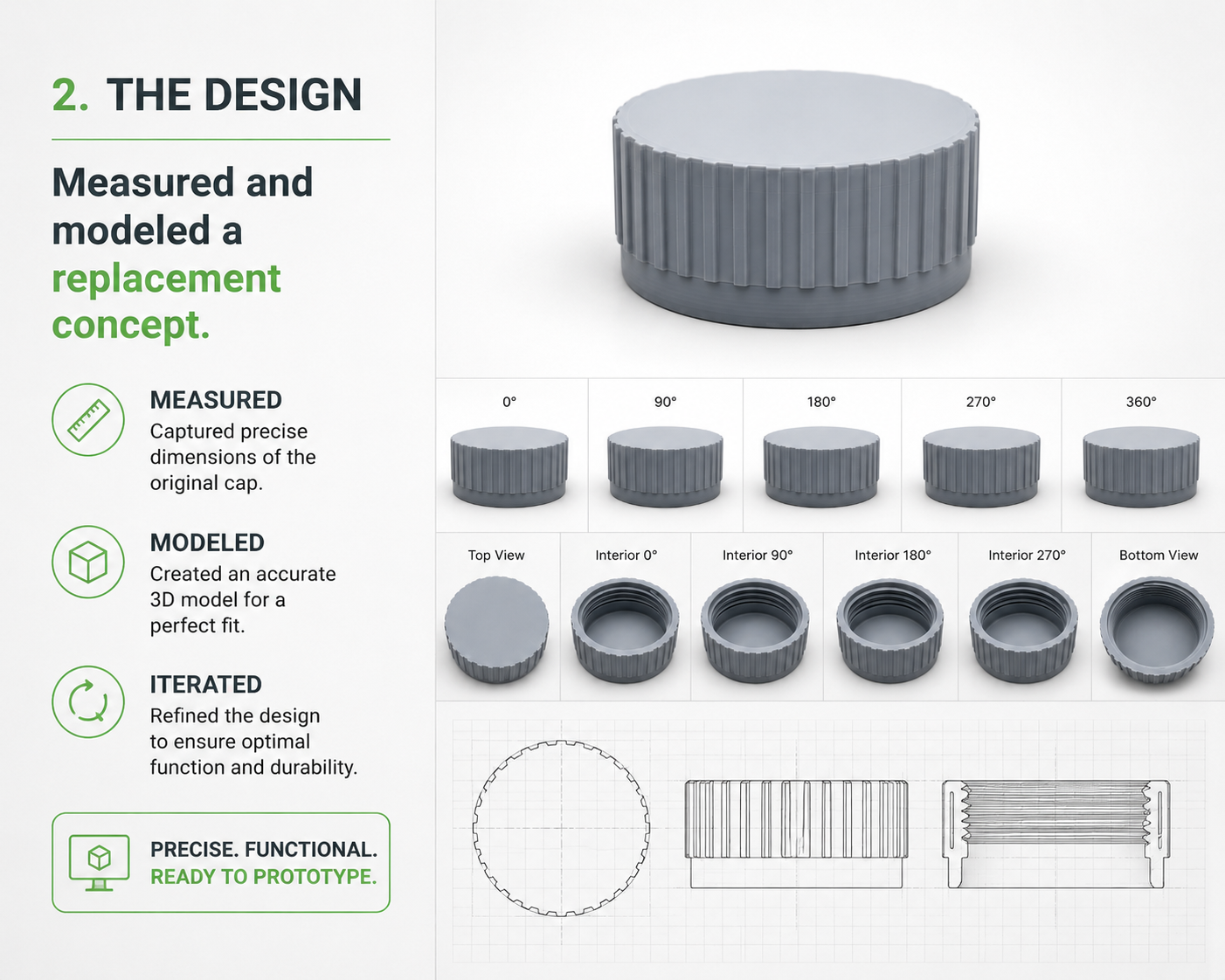
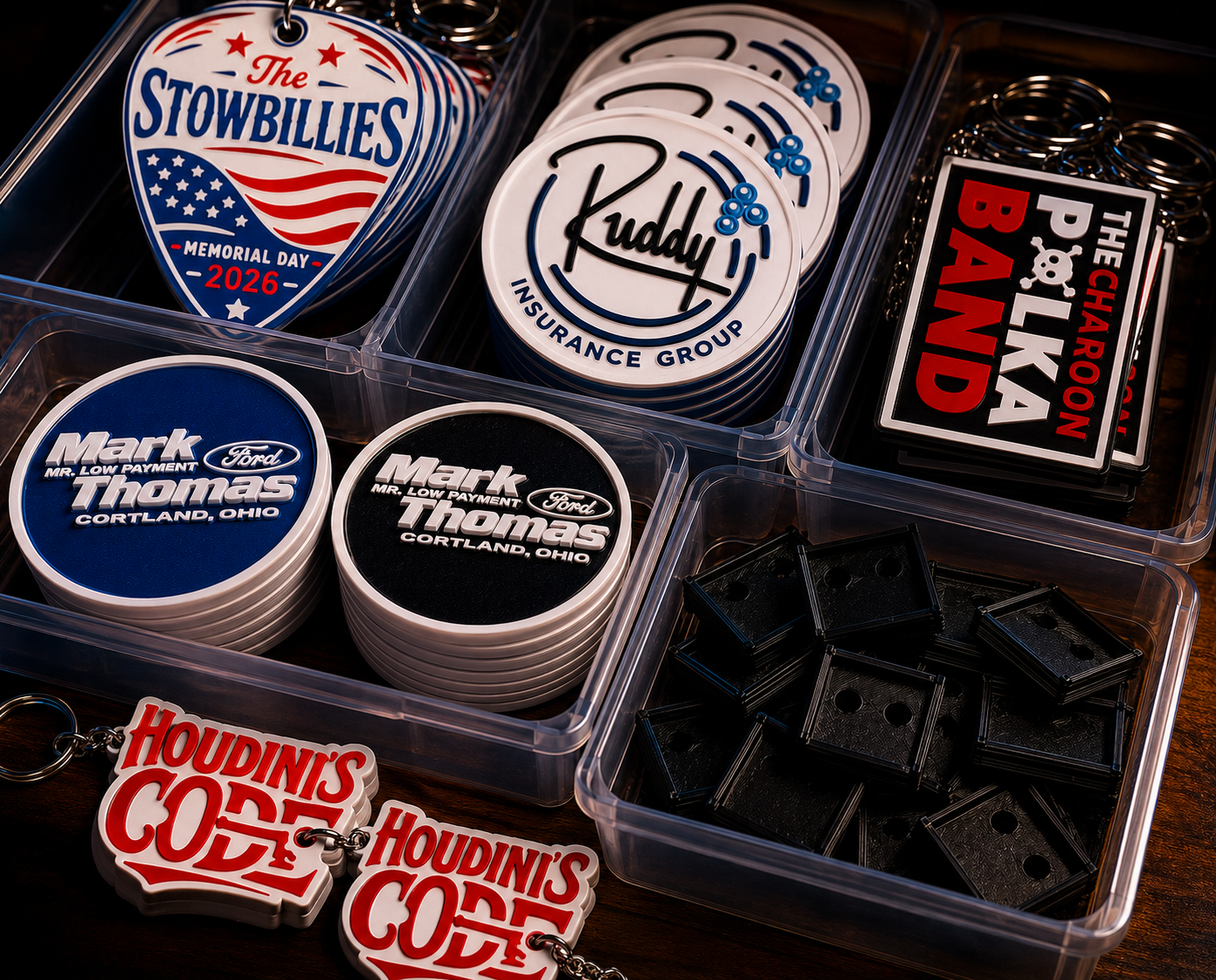
Most custom projects start with something imperfect: a broken item, a quick photo, a rough note, or an idea that has never existed before. That is enough to begin.
The process should feel clear, not complicated. We define the need, design around it, test what matters, and deliver something that feels intentional.
Share the problem, goal, photo, sketch, measurements, or inspiration.
We look at fit, use, material, color, strength, and finish.
The idea becomes printable geometry, not just a rough concept.
Fit, print quality, orientation, and details are checked before final work.
Small changes can make the final piece cleaner, stronger, or easier to use.
The final print is prepared, organized, and handed off cleanly.
Downloading a file can work when the problem is generic. But many useful projects need a better fit, a specific size, a brand color, a name, a mounting point, a stronger shape, or a layout that matches how someone will actually use it.
That is where design-before-printing matters. The print is only the final step—the value is in solving the right problem first.
The process works whether the goal is replacement, organization, branding, personalization, or repeatable production.
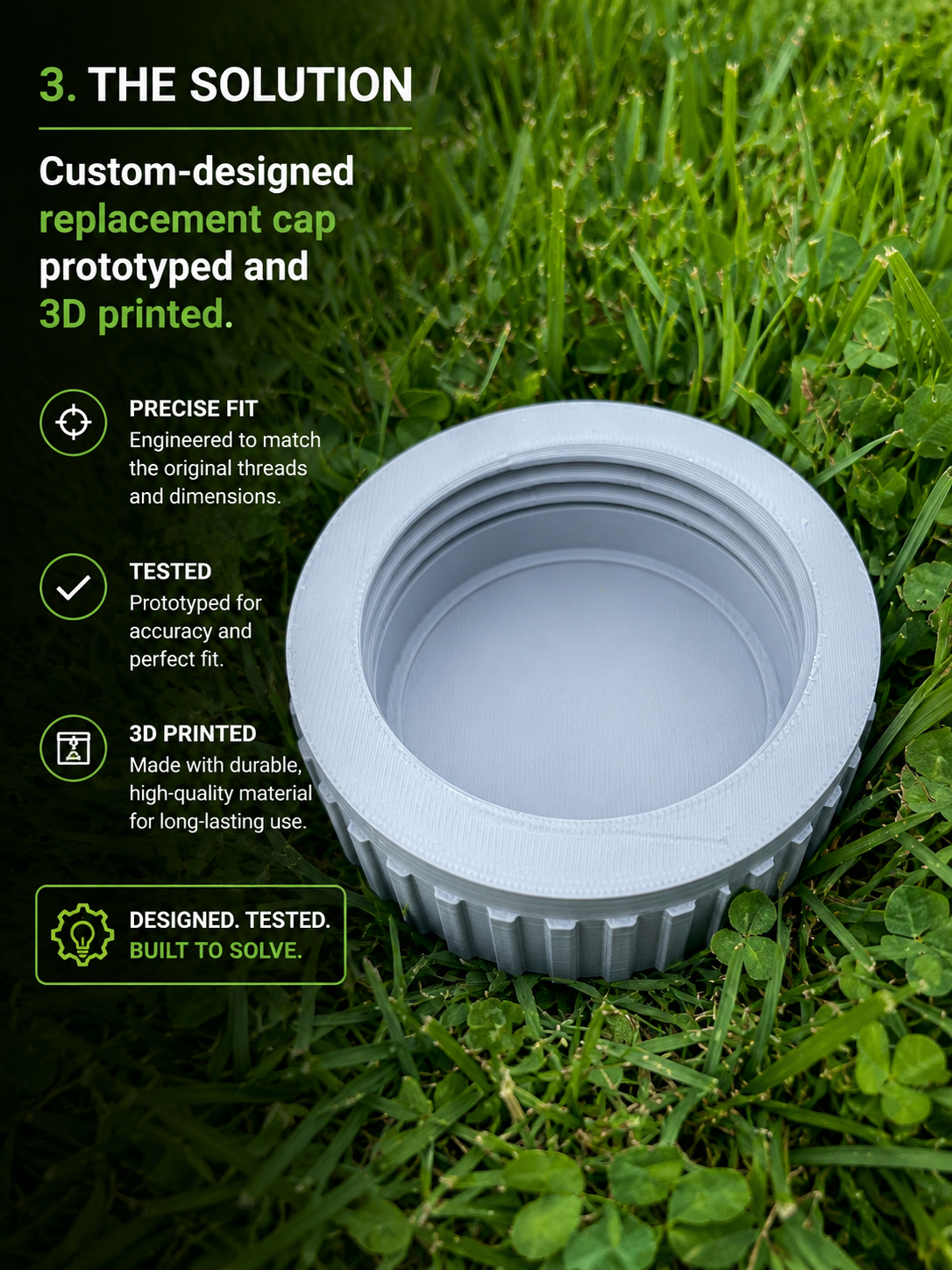
A hard-to-replace piece becomes a practical custom replacement.
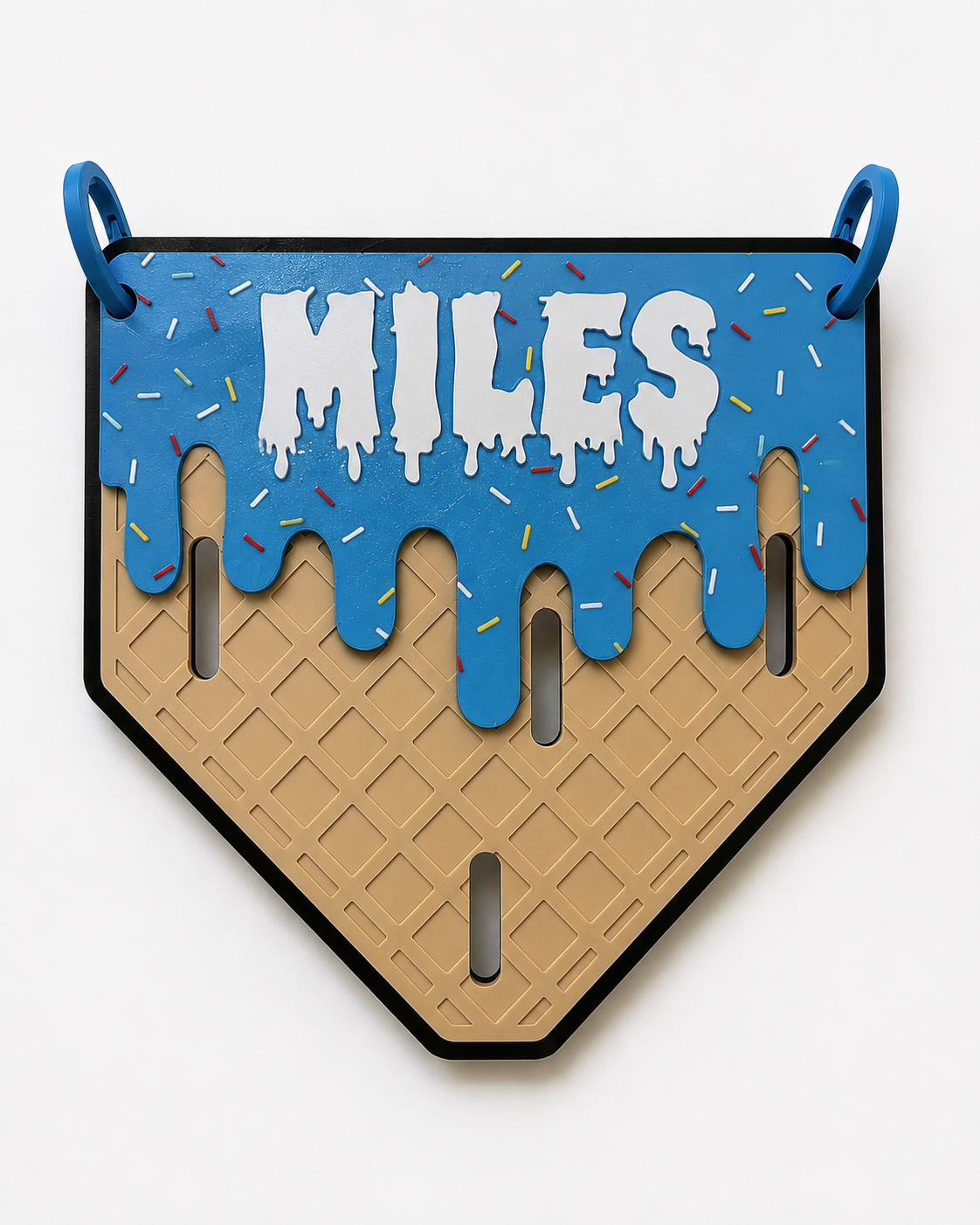
A specific organization problem becomes a custom product.
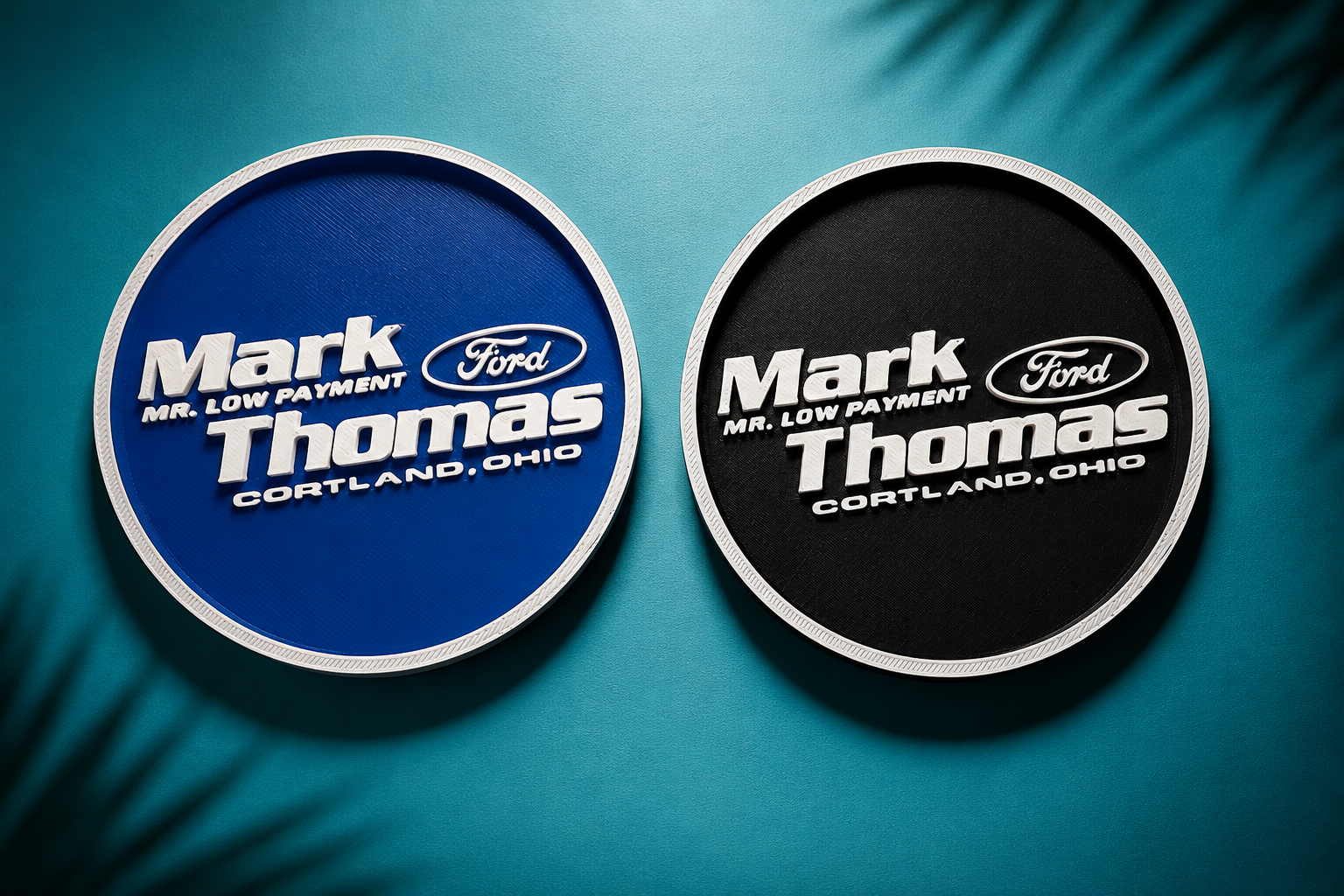
A logo or business idea becomes a physical branded detail.
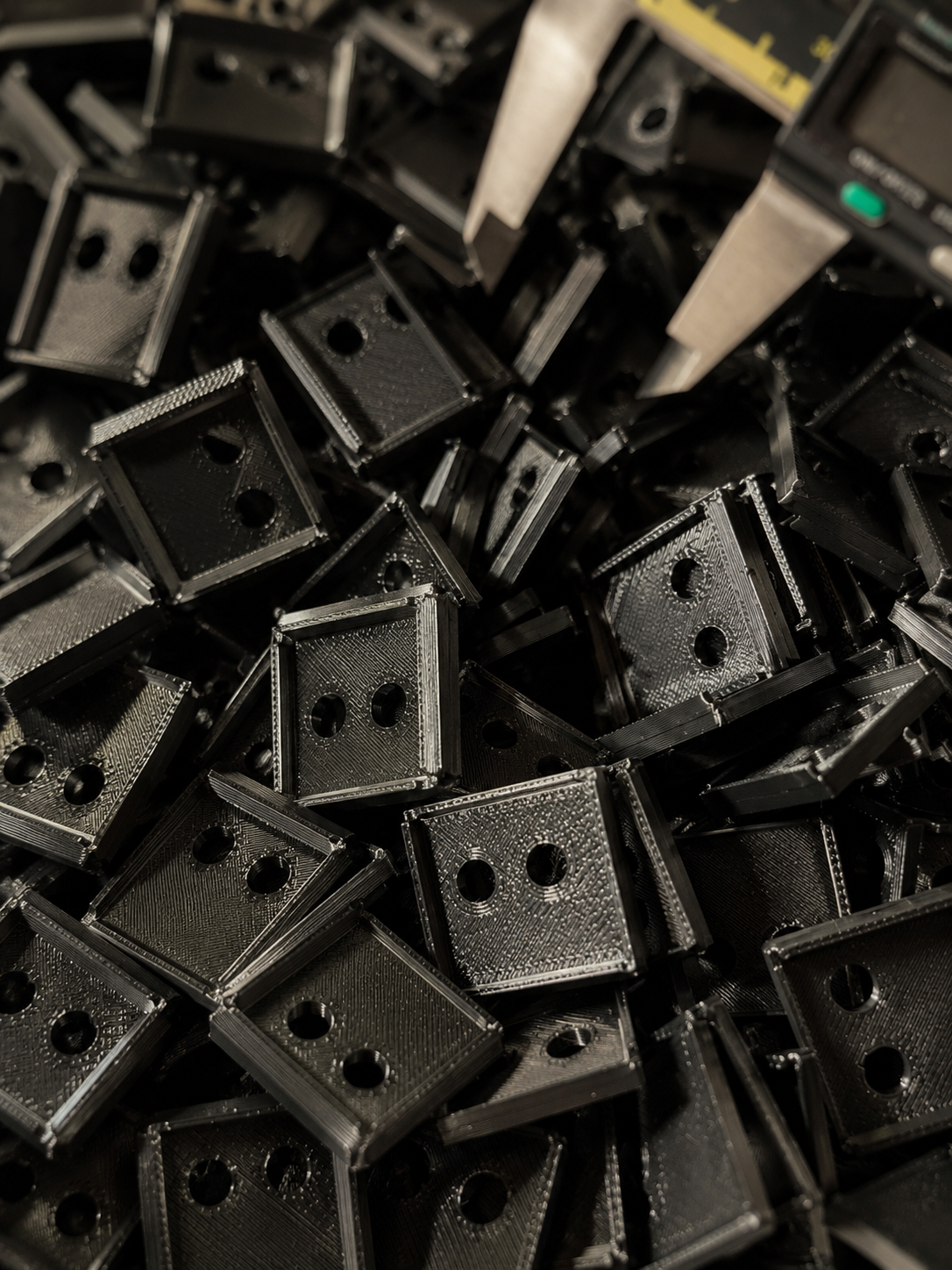
A small batch is planned for consistency, not just printed one at a time.
For custom work, a first version is often a learning step. A test print can reveal a fit issue, a better angle, a cleaner mounting method, or a detail that should be adjusted before the final piece is made.
That is not a setback. That is part of how a rough idea becomes a better finished product.
Before printing, we consider details that customers may never see directly—but they often notice in the finished result.
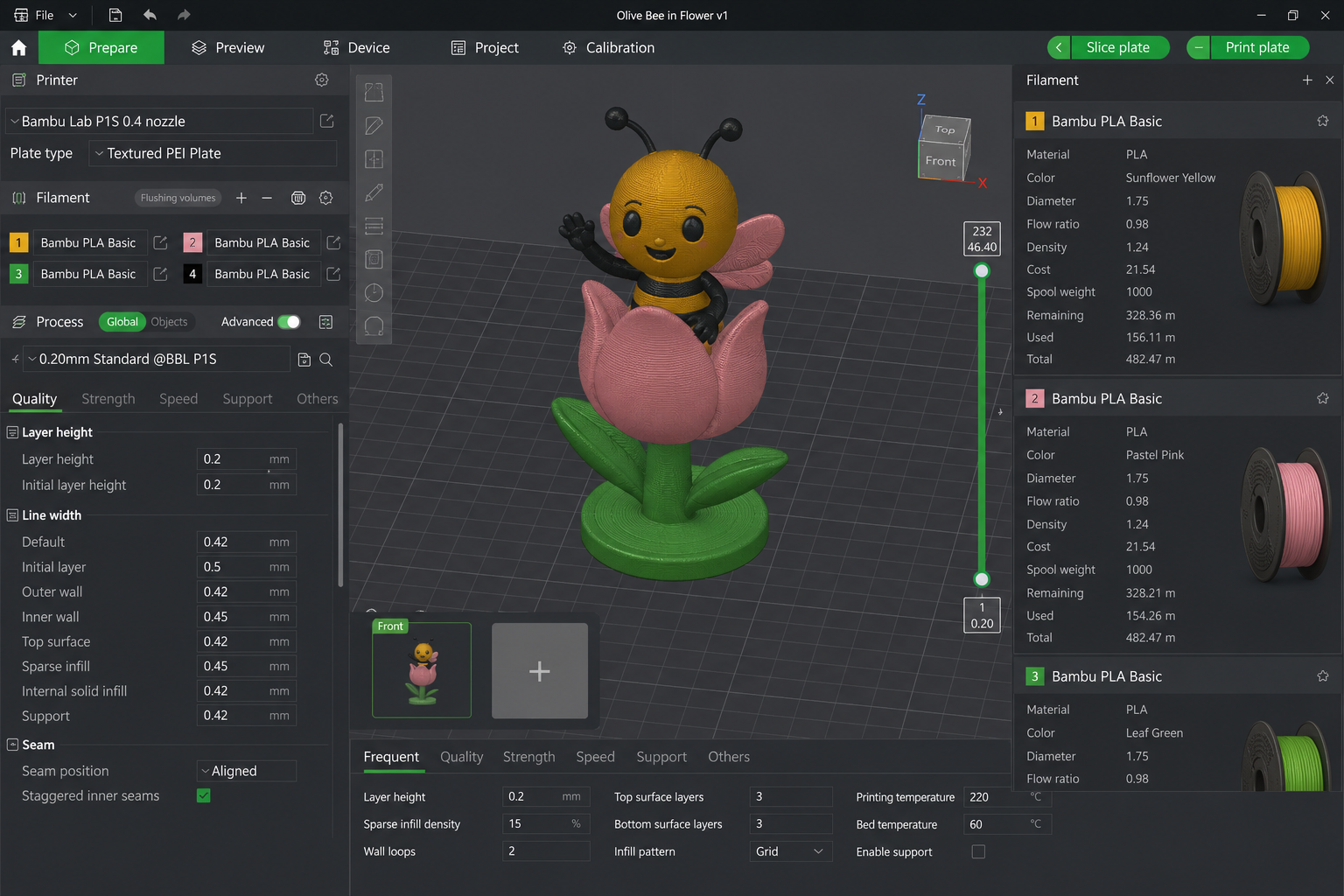
Orientation, support planning, color strategy, and settings can affect strength, finish, and detail.
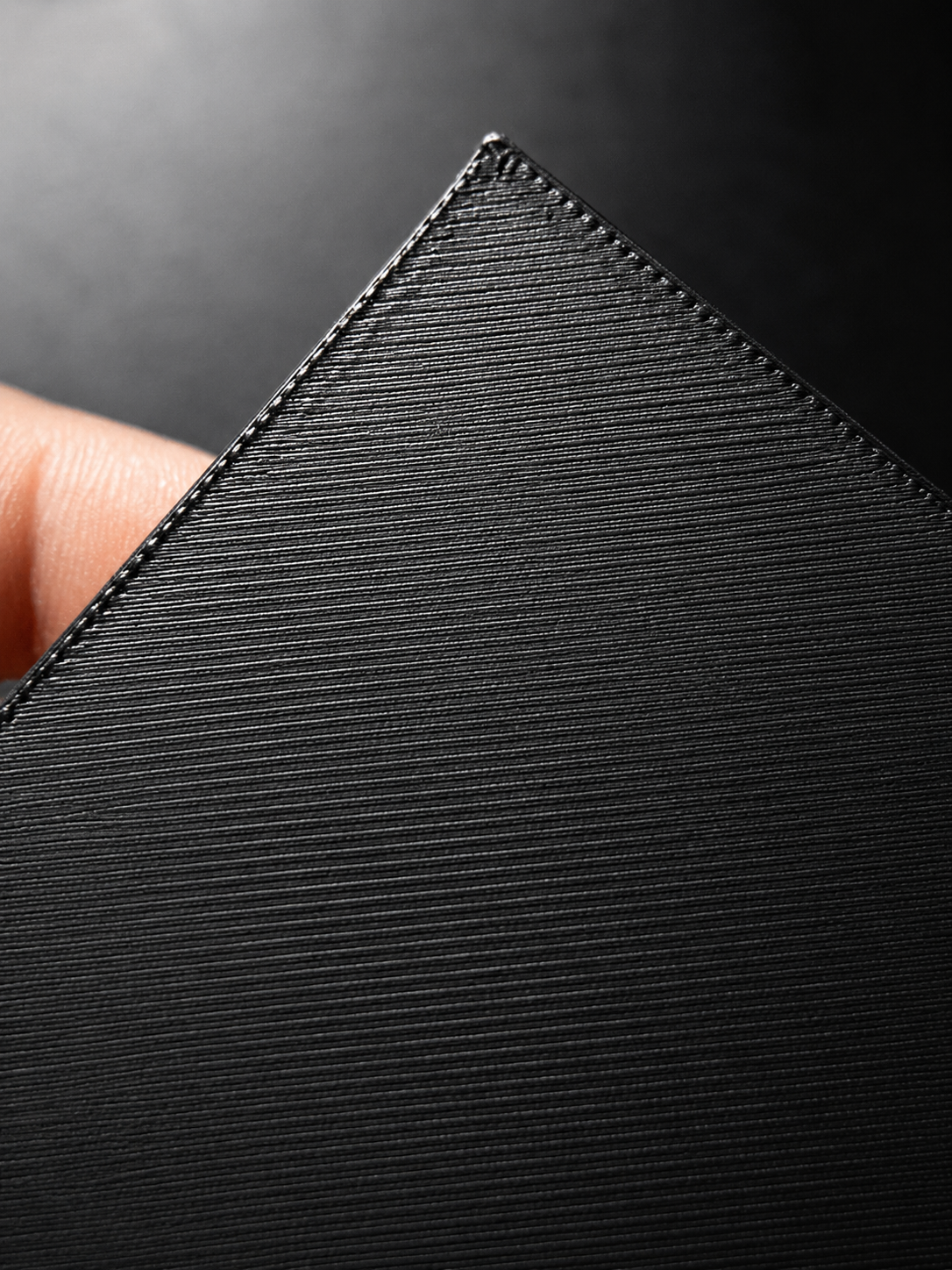
Good custom work starts with reliable setup, clean first layers, and fewer surprises during the final print.
Finished pieces are organized, checked, grouped, and prepared so the final delivery feels professional.
You do not need a CAD model. You do not even need a perfect sketch. Tell us what you are trying to accomplish, and we will help figure out the best way to design, print, and finish it.
I can help you start a project, view the showcase, or track an order.